 Português


Using the veterinary kit catalogue
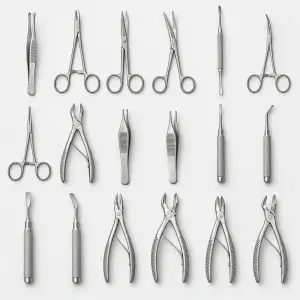
Veterinary kits group product references around general surgery, orthopaedic, dental, ophthalmic and other specialist contexts. They provide a practical starting point for a new instrument requirement, a tray review or a comparison between broader and more focused set formats.
Kit names do not replace the product-specific record. Open the relevant product page to review the recorded contents, item references and other available details. If a required instrument, quantity or configuration differs, identify that difference in the applicable cart, checkout or quotation pathway.
Selecting a relevant kit
Begin with the clinical specialty and intended procedure context, then compare the set composition rather than assuming similarly named kits are equivalent.
- Match the kit category to the veterinary specialty or procedure context being considered.
- Compare the listed instrument names and quantities with the requirement or existing tray list.
- Review dimensions, patterns, materials and processing information only where they are recorded for the selected product.
- Use the product reference when asking about changes, quantities or supporting documentation.
Browse the Veterinary Kit catalogue
Open the live category to review the complete range and current product details.